

The global gaming peripherals market is projected to grow from USD 7.79 billion in 2026 to USD 18.17 billion by 2034, a compound annual growth rate of 11.17% (source: Fortune Business Insights).
B2B Centr tracks the hardware and commerce shifts that shape how people buy, sell, and build, turning raw market movement into decisions you can act on.
That growth has not been evenly distributed: hall effect keyboards, 8,000Hz wireless mice, and sub-USD 650 OLED panels collapsed the gap between enthusiast gear and mainstream pricing in under 24 months.
This article ranks the 13 best gaming accessory brands for PC players in 2026, with the standout product from each, full pros and cons, current pricing, and the upgrade order that delivers the most performance per dollar.
Key Takeaways
- Gaming peripherals hit USD 7.79 billion in 2026, growing 11.17% annually through 2034.
- Wooting, Razer, and Logitech lead performance tiers; Redragon and Gamakay lead value.
- Hall effect keyboards now offer 0.1mm adjustable actuation and rapid trigger as standard.
- 4K 240Hz OLED gaming monitors now start near USD 650, down from USD 1,500.
- Upgrade order matters: monitor first, then mouse, keyboard, and audio last.
The PC Peripheral Market in 2026: Where the Money Is Going
Peripherals are no longer a rounding error on a build budget. Global shipments run at roughly 90 million units annually, with wireless devices contributing around 45% of total volume and wired 55% (source: 360 Research Reports). Within that mix, gaming mice command roughly 35% of units, headsets 30%, and keyboards 28%.
The PC segment accounts for the largest share of gaming peripheral revenue, with Asia Pacific holding 54.2% of global revenue (source: Grand View Research). For PC-specific peripherals, North America leads with 38% market share, ahead of Europe at 28% (source: Global Growth Insights). Underneath sits a base of more than 1.75 billion PC gamers, with over 300 million active daily (source: Market Growth Reports).
How PC Gamers Actually Buy Accessories in 2026
Over 58% of PC gamers use at least three dedicated peripherals, with replacement cycles averaging 26 months for mice and 32 months for headsets (source: Market Reports World). That is a two-year refresh window, meaning most players replace their kit twice before the decade ends.
In the US, over 65% of gamers demand customization, 48% prefer wireless, and 42% are influenced by esports, with roughly half of purchases made online (source: Global Growth Insights). Ergonomics now outranks lighting, with 54% prioritising ergonomic design against 40% seeking RGB.
That online concentration matters for sellers. Discovery increasingly begins inside AI assistants rather than search results, which is why brands are rethinking how product discovery works versus instant checkout and whether storefronts are ready for AI agents to transact on a buyer's behalf.

The 13 Best Gaming Accessory Brands for PC Players in 2026
Ranked by breadth of category leadership, independent test results, and value delivered at their price tier.
| # | Brand | Best for | Standout product | Price |
|---|---|---|---|---|
| 1 | Razer | Complete ecosystem | Viper V4 Pro | USD 169 |
| 2 | Logitech G | Competitive FPS | G Pro X Superlight 2 DEX | USD 159 |
| 3 | Wooting | Keyboard performance | Wooting 80HE | USD 200 |
| 4 | SteelSeries | Esports pedigree | Arctis Nova Pro Wireless | USD 250 |
| 5 | Glorious | Modularity | GMMK 3 HE | USD 219 |
| 6 | Keychron | Wireless rapid trigger | Keychron K2 HE | USD 130 |
| 7 | HyperX | Value audio | Cloud III Wireless | USD 170 |
| 8 | Audeze | Audio quality | Maxwell 2 | USD 329 |
| 9 | ASUS ROG | Flagship displays | ROG Strix XG32UCWMG | USD 900 |
| 10 | MSI | Display value | MAG 321UPX QD-OLED | USD 714 |
| 11 | GIGABYTE | Cheapest OLED entry | MO27U2 | USD 649 |
| 12 | Redragon | Budget flagship specs | M919 Pro | USD 40 |
| 13 | Gamakay | Entry hall effect | NS68 | USD 60 |
1. Razer
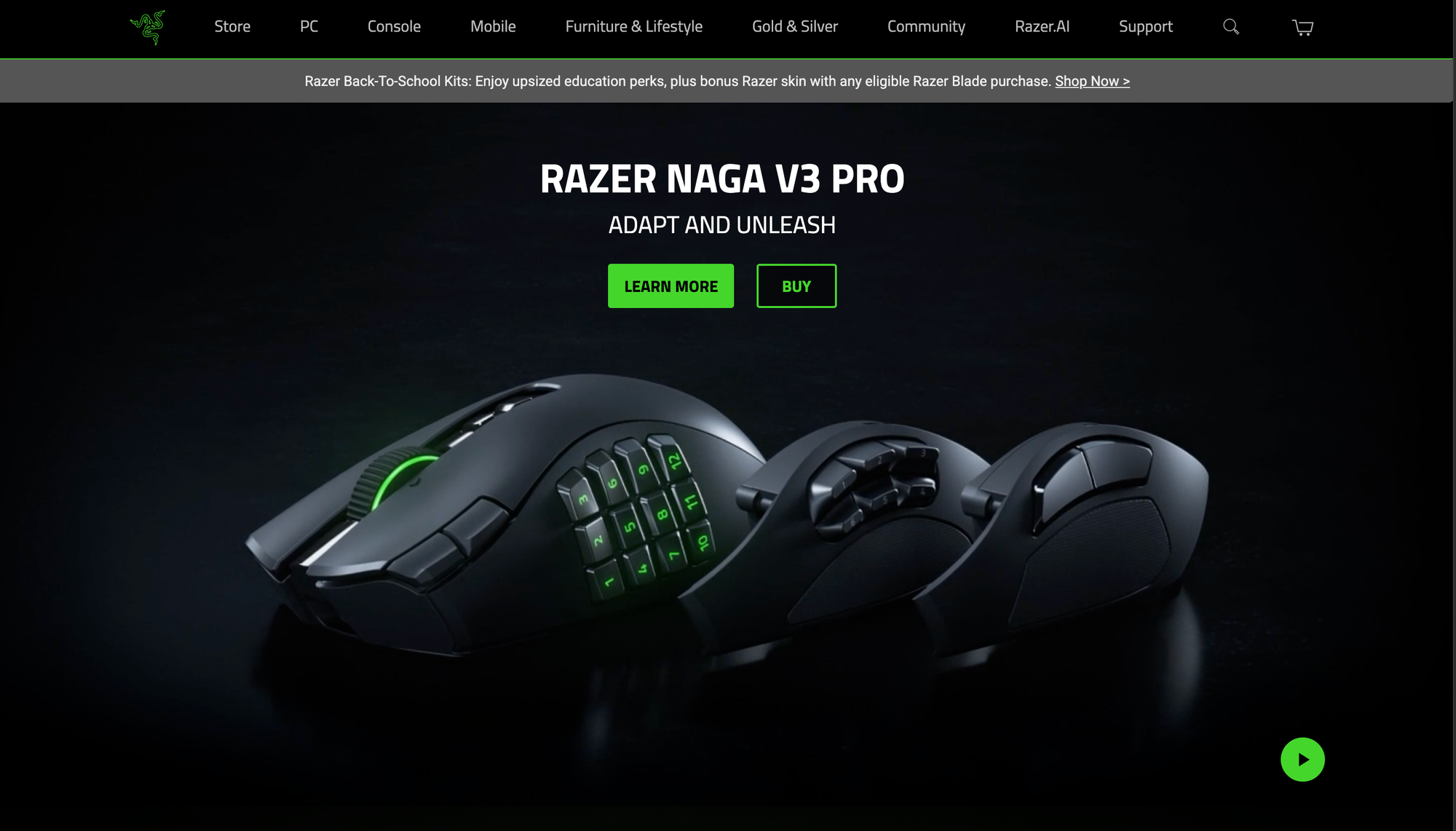
Best for: The most complete accessory ecosystem
Standout product: Razer Viper V4 Pro gaming mouse (USD 159)
Founded in 2005 and taken private in 2022, Razer operates the widest catalogue in PC gaming hardware. No other brand lets you build an entire desk setup, from gaming mouse to gaming chair, without leaving the ecosystem.
The Viper V4 Pro leads the 2026 wireless market on sensor performance, 49g weight, and 180 hours of battery at 1,000Hz (source: Angry Miao). Switching to 8K polling cuts that to roughly 45 hours. Its Gen-3 optical switches are rated to 90 million clicks with zero debounce delay.
The DeathAdder V4 Pro remains the right-handed ergonomic benchmark
The BlackShark V3 Pro gaming headset runs 2.4GHz and Bluetooth simultaneously alongside USB and 3.5mm.
For creators, Razer is the only brand here covering the full stack with the Kiyo gaming webcam, Seiren gaming microphone, Ripsaw gaming capture card, and Iskur chair range.
Pros
- Broadest product ecosystem of any gaming brand
- Class-leading sensor accuracy and click latency
- Only brand covering the complete creator hardware stack
Cons
- Premium pricing across almost every category
- Synapse software requires a cloud account and runs heavy in the background
- 8K polling roughly quarters advertised battery life
2. Logitech G
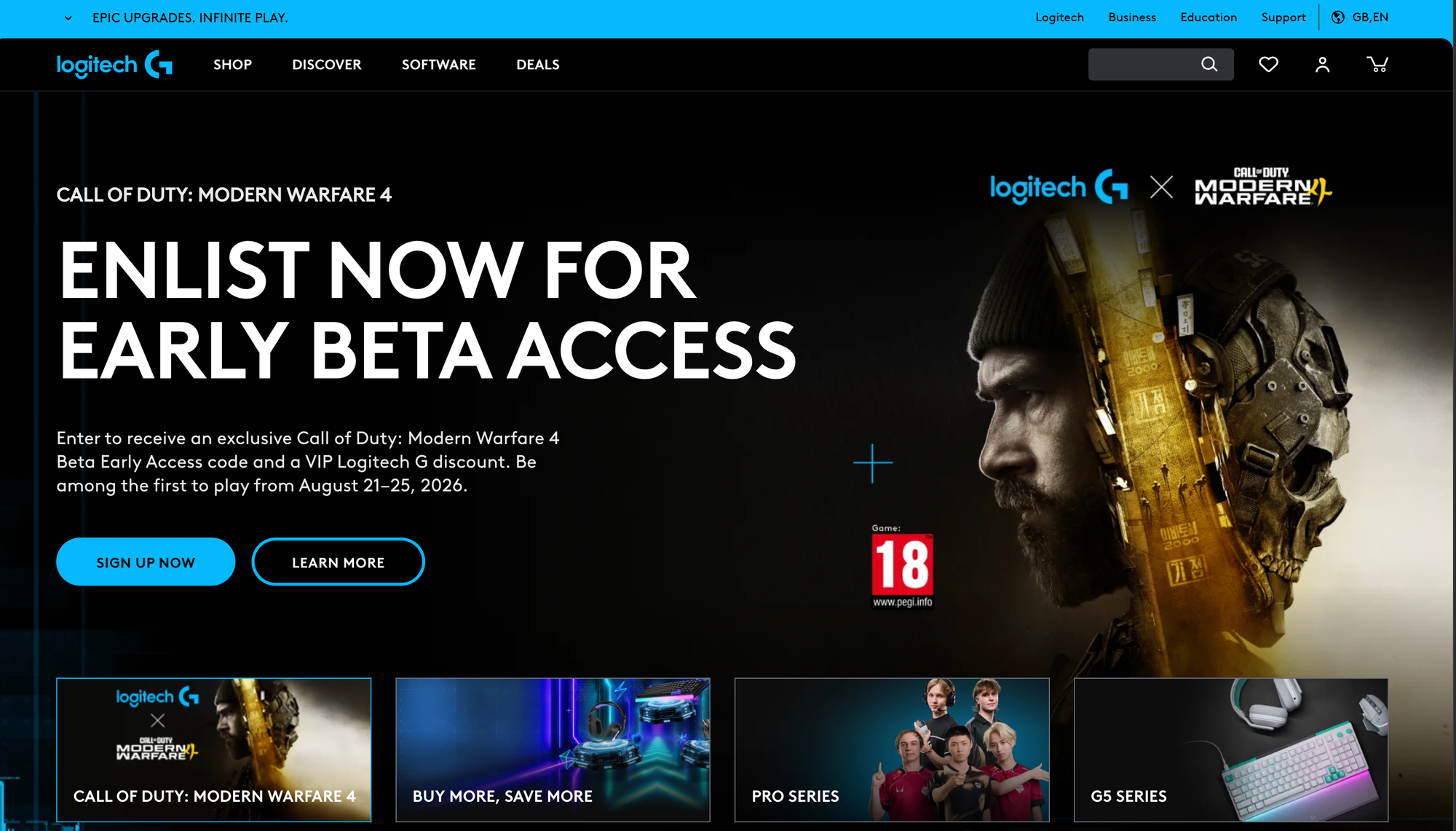
Best for: Competitive FPS players who want the safest choice
Standout product: G Pro X Superlight 2 DEX gaming mouse (USD 139)
Logitech G is the gaming division of Swiss-American Logitech, strengthened by the acquisitions of Astro Gaming in 2017 and Blue Microphones in 2018.
It remains the most-used brand across professional Valorant and CS2 rosters, which matters more than it sounds: pro adoption drives shape familiarity, aftermarket support, long product lifecycles.
The Superlight 2 DEX ships with a USB-C cable rated for 8,000Hz polling out of the box while retaining LIGHTSPEED wireless, and its flatter shape corrects the pinch complaints levelled at the original Superlight.
The G Pro X TKL Rapid brings analogue actuation to the keyboard line
The G522 Lightspeed covers audio.
Because Logitech owns Blue, its entry-level gaming microphone range is stronger than any rival at that price tier.
Pros
- Highest professional adoption rate in competitive FPS
- Strongest entry-level gaming microphone lineup through Blue
- Excellent shape variety across hand sizes and grip styles
Cons
- G Hub software has a long-standing reputation for unreliability
- Several models still cap wireless polling at 1,000Hz
- Slower to adopt hall effect than smaller competitors
3. Wooting
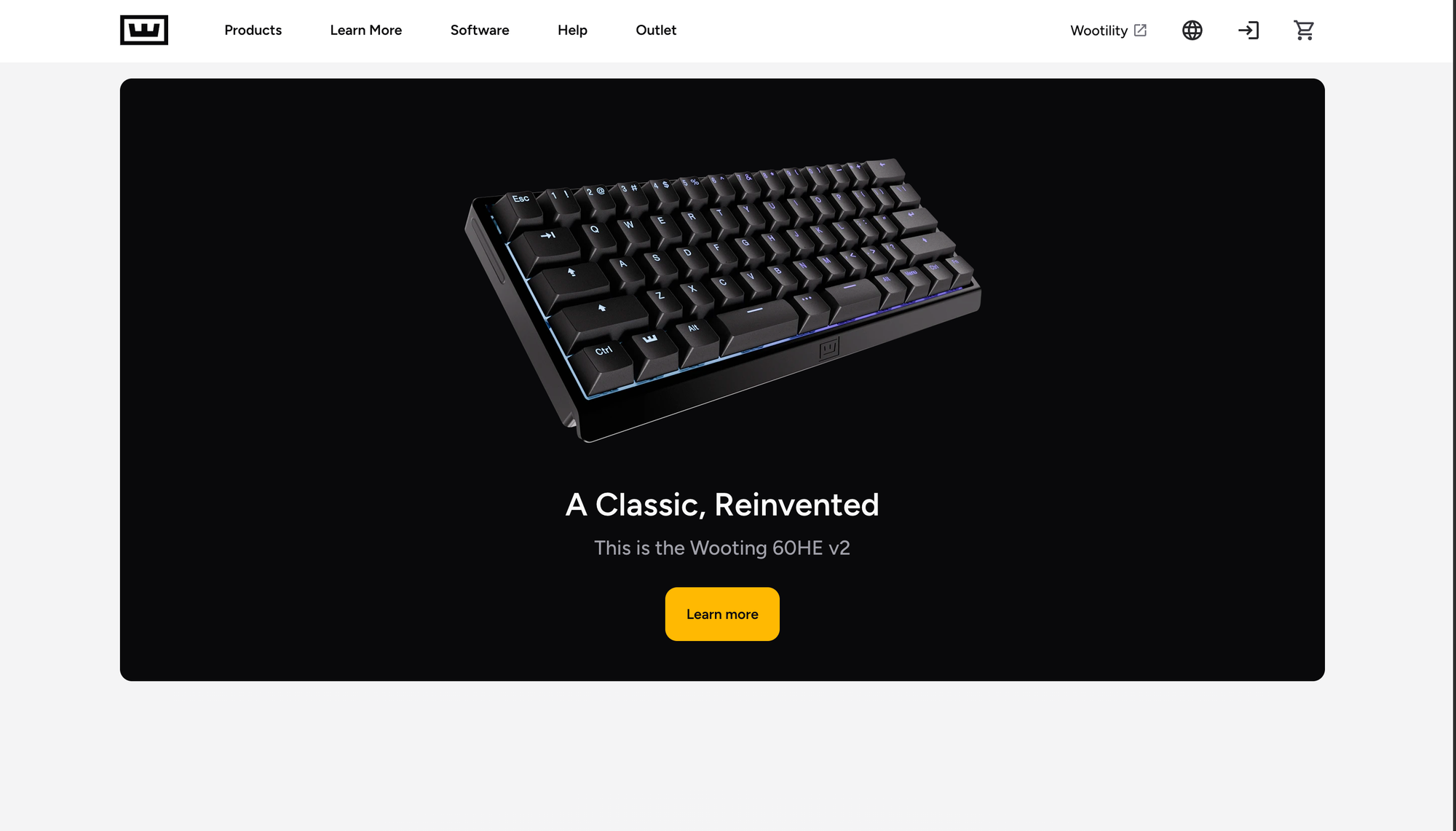
Best for: Serious competitive keyboard buyers
Standout product: Wooting 80HE gaming keyboard (USD 200)
Wooting is the Dutch startup that created the consumer hall effect category and, remarkably, still defines it after every major brand entered the space.
RTINGS named the 80HE its number-one gaming keyboard of the year (source: MKB Guide).
The 80HE runs Lekker L60 V2 magnetic switches with true 8kHz polling and per-key actuation from 0.1mm to 4.0mm.
Wootility, the browser-based configuration tool, is the best software in the category by a clear margin, and firmware updates deliver genuine features rather than bug fixes.
Rappy Snappy handles simultaneous opposing cardinal inputs in a way that avoids tournament bans.
The 60HE v2 with Lekker Tikken switches is the compact alternative, and true analogue input makes both boards viable for driving and flight titles.
Pros
- Best configuration software in the hall effect category
- True analogue input usable beyond FPS titles
- Frequent firmware updates that add real functionality
Cons
- Persistent stock shortages and long restock queues
- No wireless option anywhere in the range
- Very narrow catalogue, keyboards only
4. SteelSeries
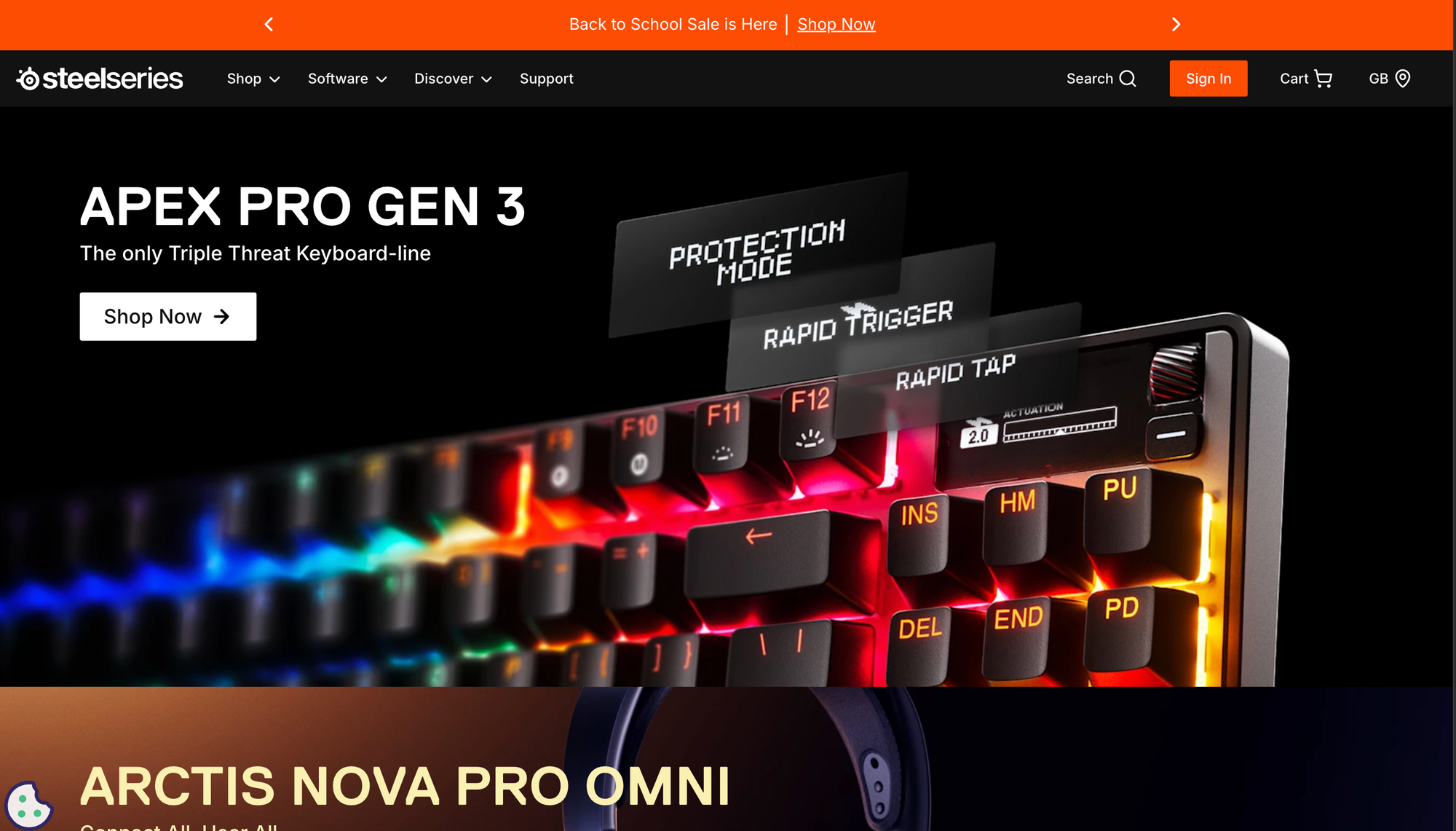
Best for: Buyers who want retail availability and proven esports pedigree
Standout product: Arctis Nova Pro Wireless gaming headset (USD 250)
Founded in Denmark in 2001 and acquired by GN Store Nord in 2022, SteelSeries has the deepest esports history of any brand on this list.
That legacy translates into distribution: major retailers globally stock the range, which matters when you want to test comfort before committing.
The Arctis Nova Pro Wireless solves the two biggest wireless frustrations. The hot-swap system ships two 2,100mAh batteries and a base station, so a swap takes under five seconds and effective use time is unlimited.
The base station holds simultaneous 2.4GHz and Bluetooth connections. Audio runs through 40mm drivers with a 10Hz to 40kHz range, tuned studio-flat rather than the consumer V-shape, which favours positional accuracy.
The ClearCast Gen 2 bidirectional microphone consistently ranks among the best measured on any gaming headset.
The Apex Pro TKL Gen 3 pairs OmniPoint 3.0 switches with per-key actuation, acoustic foam, and an OLED display, while the QcK remains the reference gaming mouse pad.
Pros
- Best measured microphone of any gaming headset
- Hot-swap batteries eliminate charging downtime entirely
- Widest physical retail availability for in-store testing
Cons
- Flagship pricing at the top of every category
- GG software is resource-heavy and slow to launch
- Aerox mice trail Razer and Logitech on weight and sensor
5. Glorious
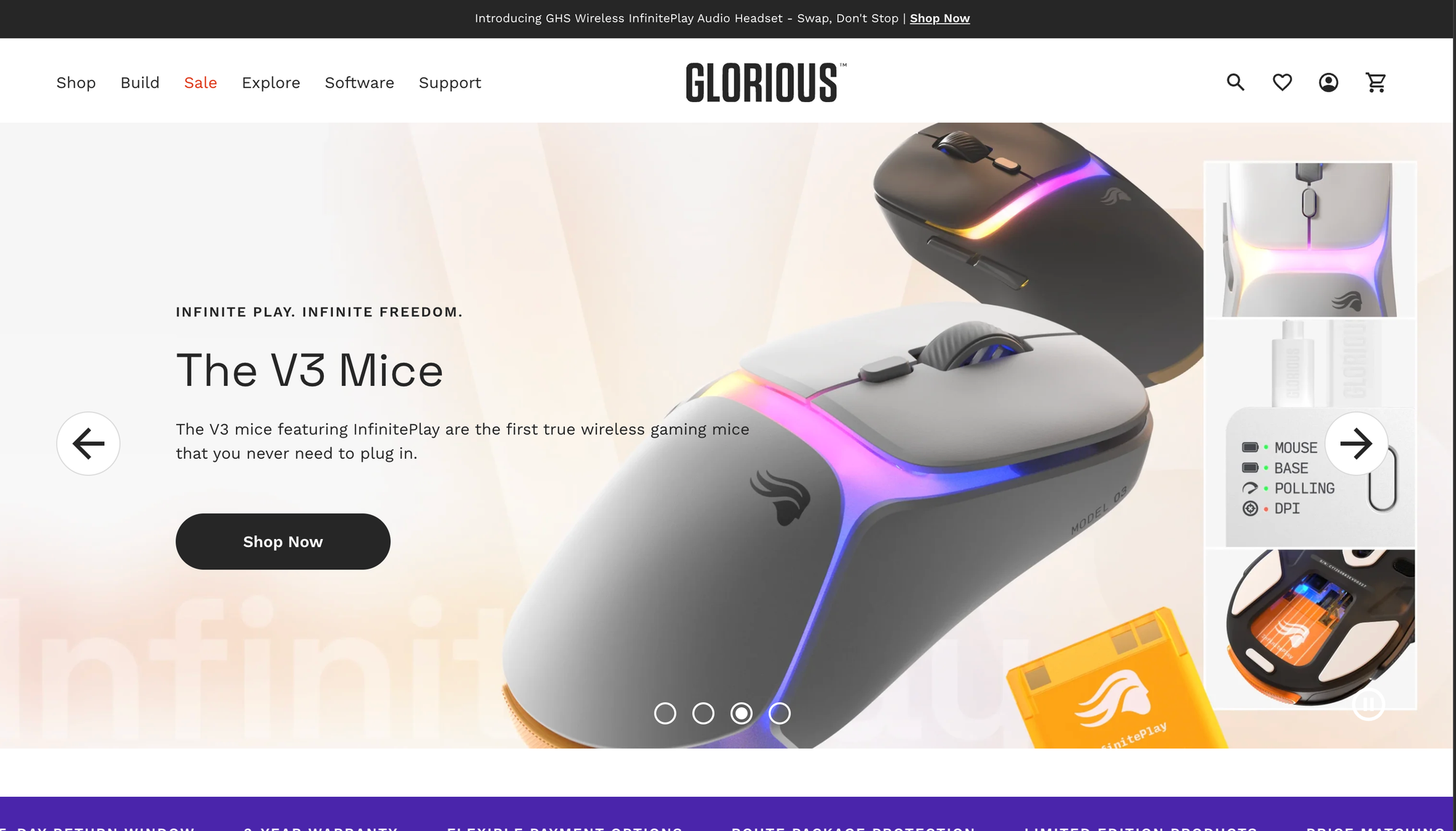
Best for: Modular hardware you can service yourself
Standout product: Glorious GMMK 3 HE gaming keyboard (USD 219)
Glorious, formerly Glorious PC Gaming Race, built its reputation in the enthusiast and do-it-yourself community rather than esports sponsorship. That heritage shows in products designed to be repaired rather than replaced.
The GMMK 3 HE is the only mainstream board offering dual hall effect and MX hotswap in one chassis, at 8,000Hz polling with actuation from 0.1mm to 4.0mm and 4:1 Dynamic Keystroke (source: Glorious).
A nine-point modular gasket system lets you tune typing feel, and it is available in 65%, 75%, and 100% layouts, making it the only full-size hall effect option in the range.
The GMMK 3 PRO HE Wireless steps up to a full aluminium body at USD 379.
On the mouse side, the Model O3 Wireless uses InfinitePlay swappable battery packs, removing charging downtime, alongside a BAMF 3.0 30K sensor and 8,000Hz wireless polling.
Pros
- Unmatched modularity and long-term serviceability
- Swappable mouse battery packs remove charging downtime
- Only brand offering full-size hall effect with dual hotswap
Cons
- The GMMK 3 HE is wired only despite its price
- Configuration software is less mature than Wootility
- Premium pricing relative to comparable budget hall effect boards
6. Keychron
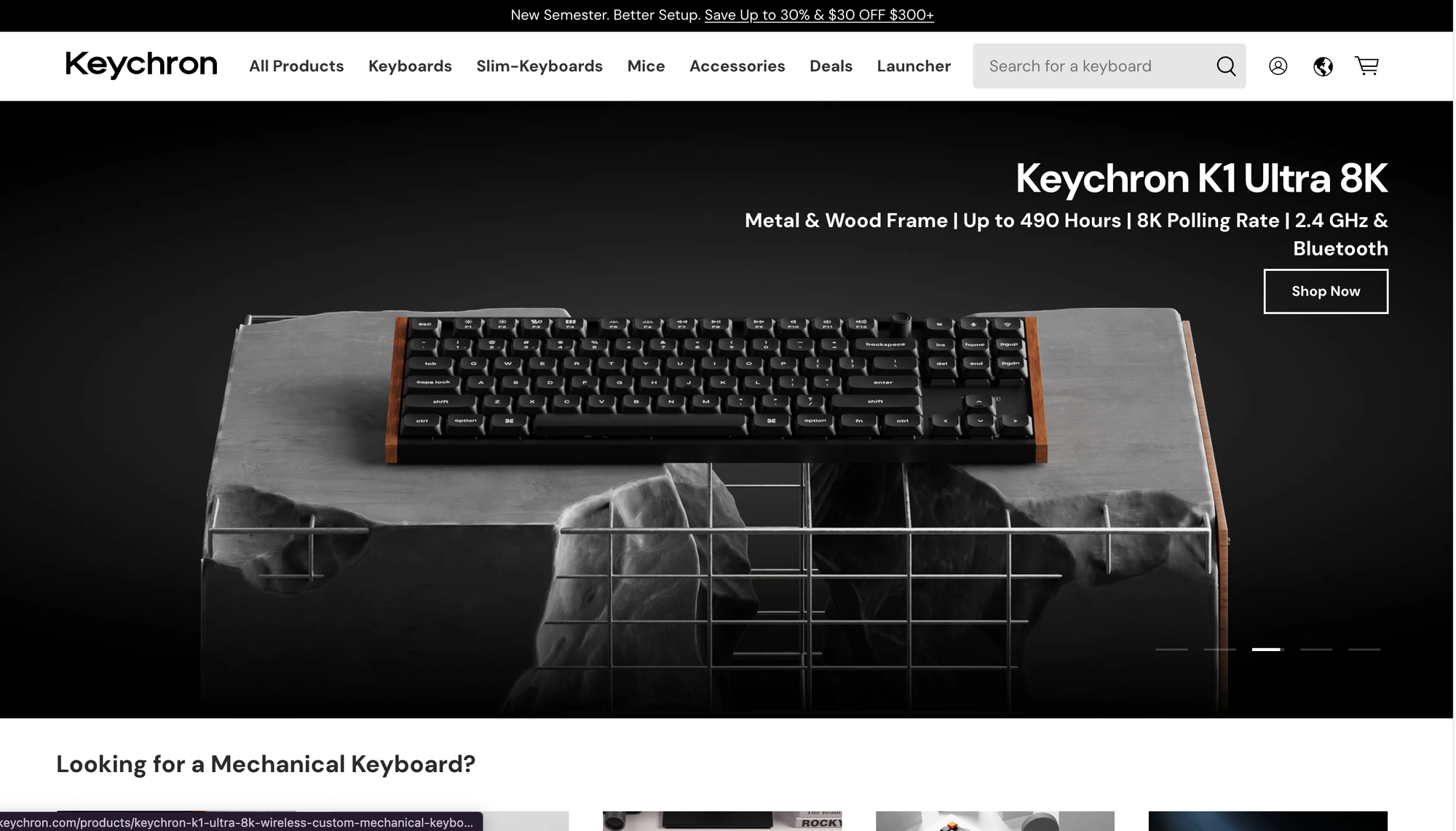
Best for: Wireless rapid trigger on a realistic budget
Standout product: Keychron K2 HE gaming keyboard (USD 130)
Founded in Hong Kong in 2017, Keychron came from the mechanical keyboard enthusiast world rather than gaming, and it shows.
These are boards that type genuinely well with gaming features added, rather than gaming boards that happen to have keys.
The K2 HE is the best wireless rapid trigger gaming keyboard available and cheaper than most rivals (source: PC Gamer).
The Q1 Magnetic adds hotswap, gasket mounting, an aluminium case, and QMK-based configuration through the browser Launcher, avoiding the bloated desktop clients every other brand ships.
Higher models pair a 4,000mAh battery with triple-mode connectivity and run up to 240 hours with RGB disabled.
For anyone who works on the same keyboard they game on, this is the strongest crossover option in the list.
Pros
- Best typing quality of any gaming keyboard brand
- Browser-based QMK configuration with no client software
- Strong wireless price-to-performance under USD 150
Cons
- Few switches are actually compatible despite hotswap support
- Many models still cap polling at 1,000Hz rather than 8K
- RGB brightness and diffusion trail dedicated gaming brands
7. HyperX
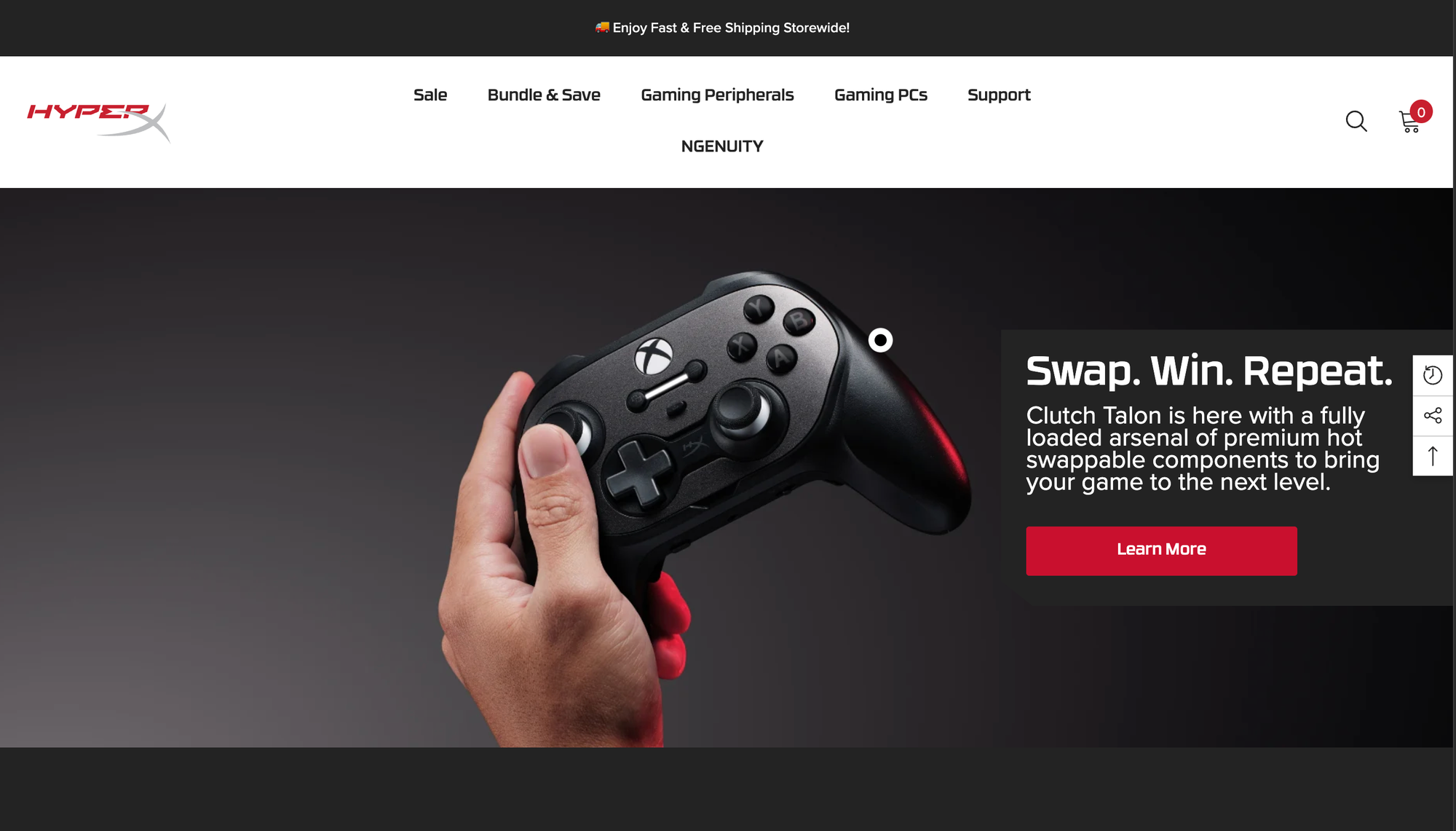
Best for: Value audio and marathon battery life
Standout product: HyperX Cloud III Wireless gaming headset (USD 170)
HyperX began as Kingston's gaming division and was acquired by HP in 2021, which brought retail scale and warranty support without diluting the engineering focus on audio.
The Cloud III uses 53mm drivers, the largest available at its price point, with tuning that avoids the tinny profile common in budget headsets.
Independent comparisons put it at roughly 80% of the Arctis Nova Pro's sound quality for a fraction of the cost.
The Cloud Alpha 2 Wireless pushes runtime to 250 hours with simultaneous dual-wireless connectivity, though reviewers note its frequency response is weaker than its predecessor.
HyperX has also moved into software, with an AI-driven macro customization update now used by over 41% of its users (source: Global Growth Insights).
Pros
- Best driver quality per dollar in the headset market
- Up to 250 hours of battery on the Alpha 2 Wireless
- Durable aluminium frames with proven multi-year longevity
Cons
- NGENUITY software is the weakest of the major brands
- Alpha 2 regressed on frequency response versus the original
- Mouse and keyboard lines are uncompetitive at flagship level
8. Audeze
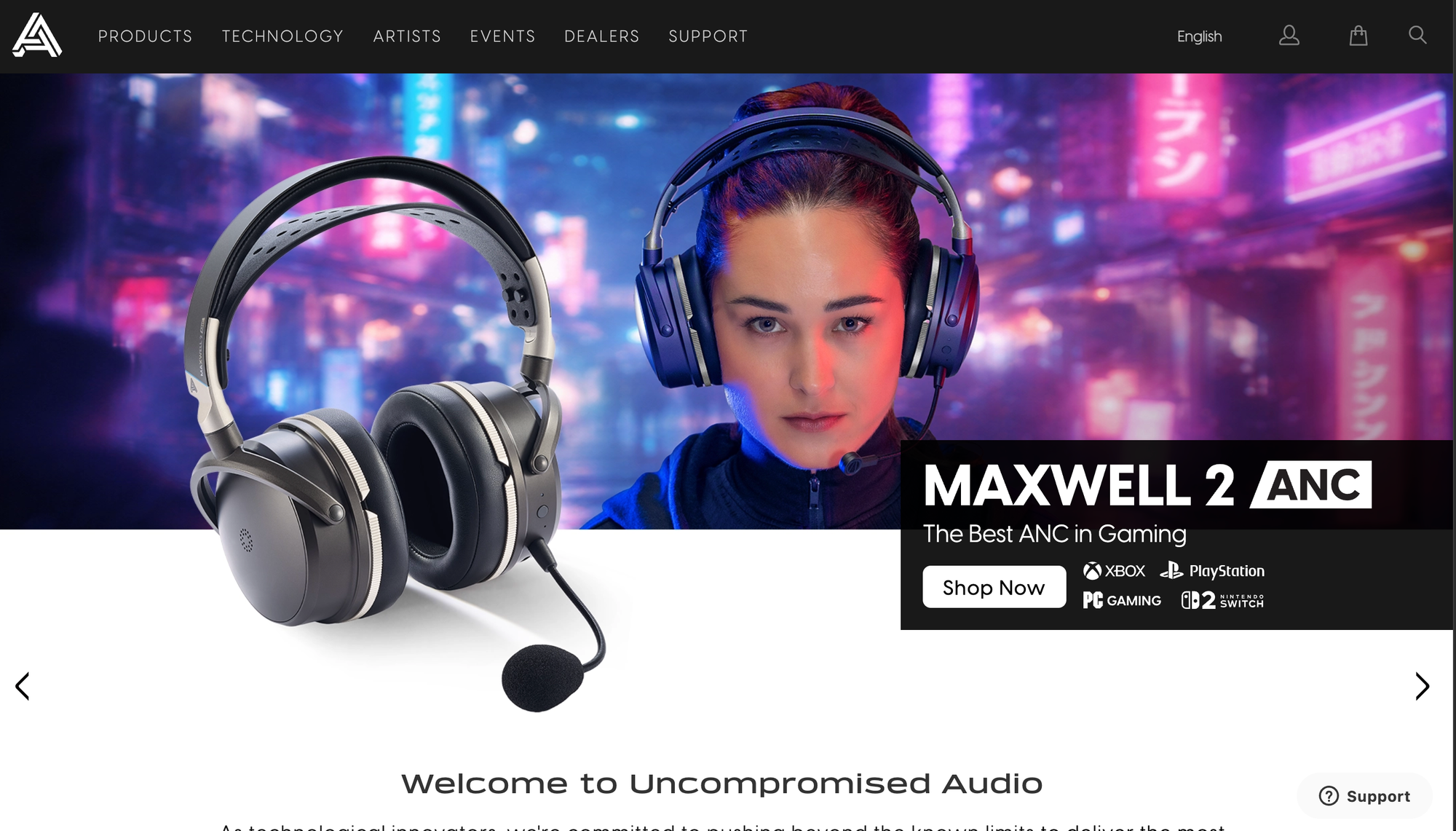
Best for: Audio quality above everything else
Standout product: Audeze Maxwell 2 gaming headset (USD 429)
Audeze is a planar magnetic headphone specialist acquired by Sony Interactive Entertainment in 2023, which is why its gaming range now carries console certification alongside PC support.
It is the only brand here that came from audiophile hardware rather than gaming.
The best PC gaming headset tested is the Maxwell 2, blending audiophile-level sound with gaming functionality (source: RTINGS).
It was also named top pick for best wireless audiophile headset in August 2026 (source: PC Gamer).
Planar magnetic drivers resolve detail and separation that no dynamic-driver gaming headset matches, and battery life comfortably exceeds most rivals.
The caveat is fit for purpose: in competitive FPS, positional cues matter more than fidelity, and lighter headsets are less fatiguing across a four-hour session.
Pros
- Best measured audio quality of any gaming headset
- Battery life well beyond typical wireless competitors
- Sony ownership brings broad console and PC certification
Cons
- Heavy enough to cause fatigue over long sessions
- Overkill for competitive FPS where fidelity is not the priority
- Very narrow range, headsets only, with no wider ecosystem
9. ASUS ROG
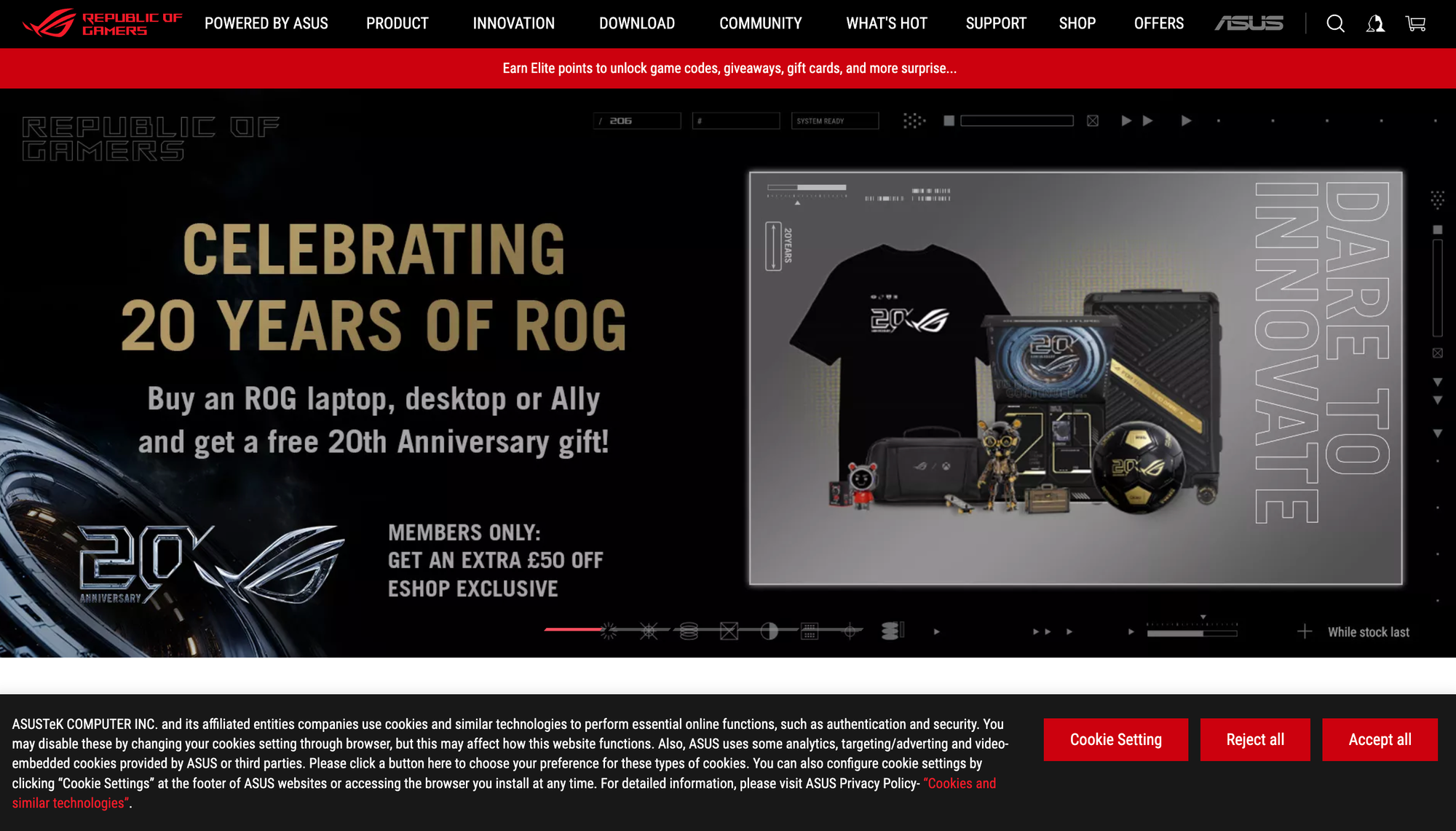
Best for: Flagship gaming monitors
Standout product: ASUS ROG Strix XG32UCWMG (USD 900)
Republic of Gamers launched in 2006 and now spans monitors, motherboards, graphics cards, laptops, and peripherals, giving ASUS more R&D depth in displays than any peripheral-first brand.
The XG32UCWMG is a 32-inch 4K WOLED at 240Hz. Its TrueBlack glossy finish preserves black levels in bright rooms where QD-OLED panels turn grey, peak brightness reaches 1,000 nits, and dual mode drops to 1080p at 480Hz for competitive titles (source: TechSpot).
The ROG Swift PG32UCDM Gen3 sits above it at USD 1,299 as the brightest QD-OLED tier, and BlackShield film reduces reflections for daytime play.
The 27-inch PG27UCDM delivers around 166 PPI with DisplayPort 2.1 and Dolby Vision.
The Strix Scope II 96 Wireless covers buyers who still prefer traditional mechanical switches.
Pros
- Most complete panel feature sets, including dual mode and DisplayPort 2.1
- Strongest HDR and daylight performance in the OLED category
- Widest range of sizes, panel types, and resolutions
Cons
- Consistently the most expensive option at every specification
- Armoury Crate software is widely criticised and hard to remove
- Peripherals trail brands that focus solely on mice and keyboards
10. MSI

Best for: Best price-to-performance in displays
Standout product: MSI MAG 321UPX QD-OLED (USD 714)
MSI competes with ASUS on specification while undercutting it on price, which has made it the default value recommendation in 4K OLED for two consecutive years.
The MAG 321UPX pairs a 32-inch third-generation QD-OLED panel, 240Hz refresh, and 0.03ms response with a KVM switch and full OLED Care burn-in mitigation, at pricing that undercuts equivalent ASUS models by USD 200 or more.
The MPG 272URX brings the same panel generation to 26.5 inches with HDMI 2.1, DisplayPort 2.1a, USB-C, and 98W power delivery, which makes it a credible single-cable laptop display as well as a gaming monitor.
At the entry point, the MAG 275UPD E14 puts 4K on the desk for USD 249 with 144Hz and a 288Hz dual-mode FHD option.
Pros
- Best price-per-specification in the 4K OLED category
- Strong connectivity including USB-C with 98W power delivery
- Range spans USD 249 to USD 1,099 without gaps
Cons
- Predominantly plastic construction even at flagship prices
- MSI Center software is bloated and inconsistent
- Peripheral line is far weaker than the display business
11. GIGABYTE
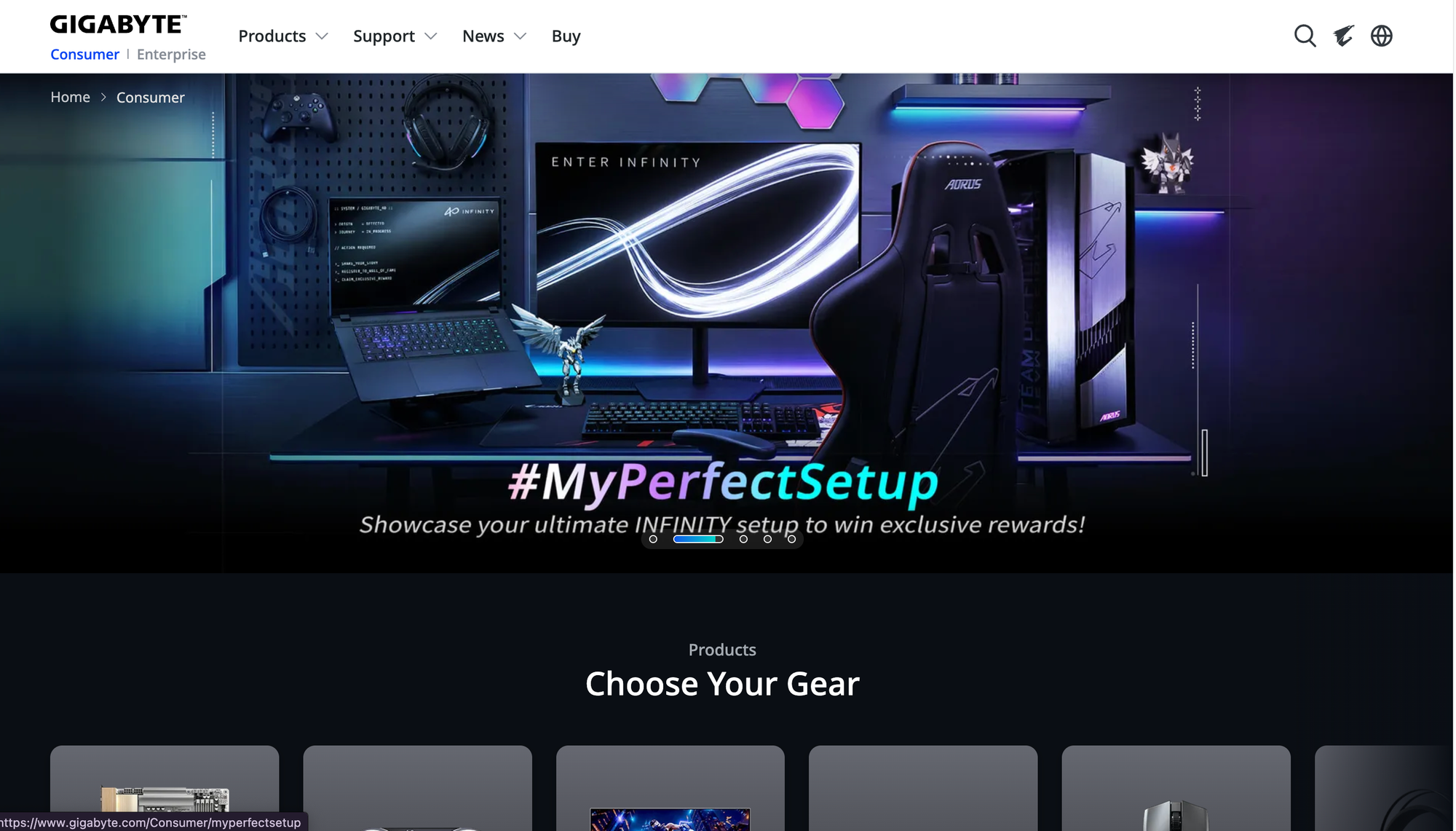
Best for: The cheapest credible OLED entry point
Standout product: GIGABYTE MO27U2 (USD 649)
GIGABYTE, through its AORUS gaming sub-brand, broke the OLED price floor by competing almost entirely on cost rather than features or software polish.
The MO27U2 is the entry point into 4K 240Hz OLED gaming monitors, a specification that cost above USD 1,500 two years ago (source: Newegg).
Its fourth-generation WOLED models push refresh to 280Hz and add both a KVM switch and a tactical gaming mode, and these frequently discount below USD 400.
The trade-offs are consistent across the range: stands offer limited adjustment, on-screen menus are clumsy compared with ASUS and MSI, and regional support networks are thinner.
For buyers who want the panel and nothing else, that is a reasonable exchange.
Pros
- Lowest entry price for 4K 240Hz OLED anywhere on the market
- Aggressive and frequent discounting below launch pricing
- KVM switching included on most current models
Cons
- Stand adjustment and build quality trail ASUS and MSI
- On-screen menu navigation is clumsy and slow
- Warranty and regional support network is thinner than rivals
12. Redragon
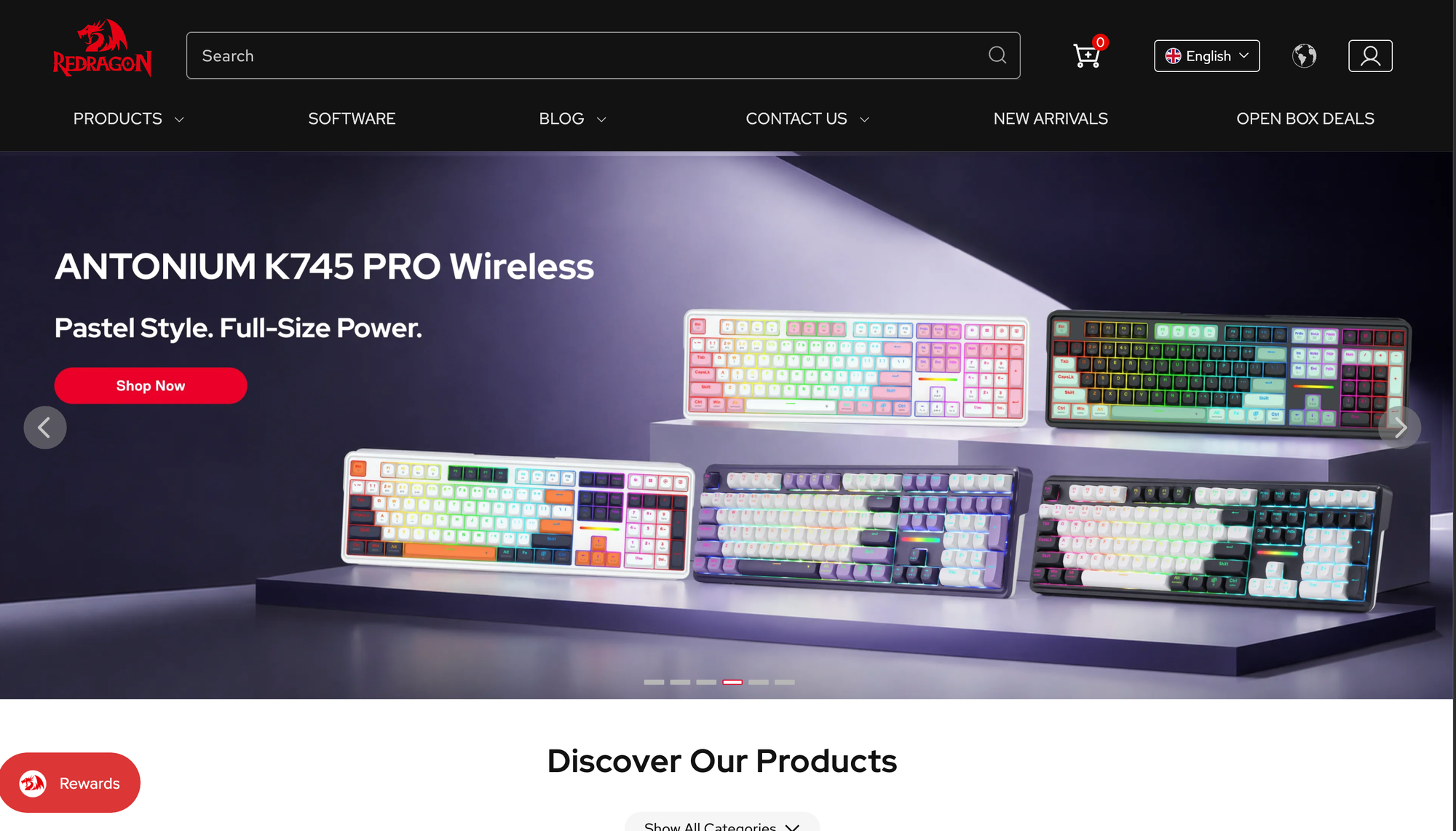
Best for: Flagship specifications on a budget
Standout product: Redragon M916 Pro gaming mouse (around USD 40)
Redragon is the direct-to-marketplace value brand that forced flagship features down the price ladder.
Where premium brands validate specifications, Redragon ships them at a quarter of the cost and lets buyers absorb the variance.
The M919 Pro delivers 8,000Hz wireless polling and a 45K sensor for roughly a quarter of the price of a Viper V4 Pro, and the M815 reaches 44g at 26,000 DPI with fully programmable buttons and adjustable DPI.
The catalogue also covers keyboards, headsets, and chairs at similar price positioning.
The compromises are documented and consistent: configuration software feels dated next to Synapse or G Hub, some users report intermittent wireless lag spikes at the highest competitive level, and unit-to-unit quality control varies more than with established brands.
Pros
- Flagship sensor and polling specifications at roughly a quarter of the price
- Extremely lightweight designs starting around 44g
- Broad catalogue covering mice, keyboards, headsets, and chairs
Cons
- Software is dated and feels unfinished next to major brands
- Reported intermittent wireless lag spikes under competitive load
- Inconsistent quality control between individual units
13. Gamakay
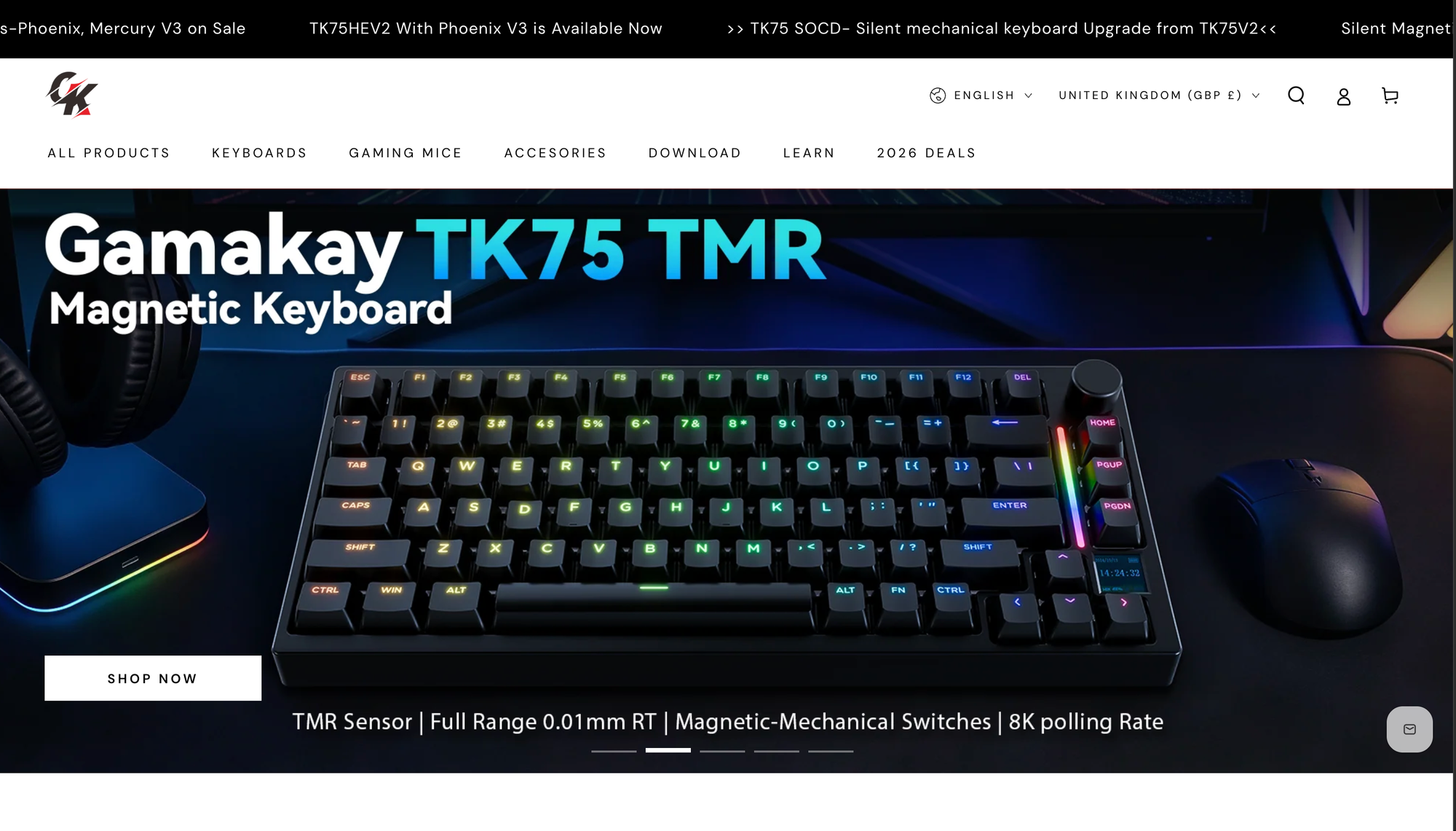
Best for: Entry-level hall effect keyboards
Standout product: Gamakay NS68 gaming keyboard (under USD 60)
Gamakay demonstrates how quickly hall effect commoditised. Two years ago its specification sheet would have cost above USD 200 from any established brand.
The NS68 combines Outemu Peach Crystal magnetic switches with rapid trigger, 8K polling, PBT keycaps, hot-swap support for N-pole magnetic switches, and tri-mode connectivity across USB-C, 2.4GHz, and Bluetooth 5.1, powered by a 4,000mAh battery in a 65% layout that retains dedicated arrow keys.
Entry-level hall effect boards now start around USD 40 across the market (source: MKB Guide).
The pricier TK75HE V2 adds a small display but drew criticism for clunky software, scoring 77% at PC Gamer, and software remains the consistent weak point across the range.
Pros
- Cheapest credible hall effect board with genuine 8K polling
- Tri-mode wireless connectivity at a budget price point
- Hot-swap support for magnetic switches, rare at this tier
Cons
- Configuration software is clunky and poorly documented
- Plastic construction with noticeable chassis flex on some models
- Limited warranty coverage and support outside marketplaces
Budget Tiers: Which Brands to Buy at Every Price Point
| Total budget | Monitor | Mouse | Keyboard | Audio |
|---|---|---|---|---|
| USD 400 | 1440p 165Hz IPS | Redragon M919 Pro | Gamakay NS68 | Wired headset |
| USD 800 | 27-inch 1440p OLED | Glorious Model O3 | Keychron K2 HE | HyperX Cloud III |
| USD 1,500 | MSI MAG 321UPX | Razer Viper V4 Pro | Wooting 80HE | Arctis Nova Pro |
| USD 2,500+ | ASUS PG32UCDM Gen3 | Viper V4 Pro plus spare | GMMK 3 PRO HE Wireless | Audeze Maxwell 2 |
Creators should add a gaming microphone before anything else on this list, since audio quality drives perceived production value more than resolution. For thumbnail and clip workflows, choosing the right AI image enhancer saves more time than a faster gaming capture card.
How to Prioritise Your Upgrades
Spend order matters more than total spend. The sequence delivering the most improvement per dollar is:
- Gaming monitor. Refresh rate and response time affect every frame of every game.
- Gaming mouse. Weight and shape change aim consistency immediately.
- Gaming keyboard. Rapid trigger helps counter-strafing in CS2, Valorant, and Apex Legends, but it is game-specific.
- Gaming chair and desk ergonomics. Affects performance over hours and health over years.
- Gaming headset. The gap between a USD 100 and USD 300 headset is small.
- Everything else. A gaming controller, capture hardware, and lighting are situational.
Five Buying Mistakes That Waste the Most Money
- Chasing DPI numbers. A 50K sensor is not better than a 30K sensor at the 800 DPI you actually use.
- Buying 8K polling without the CPU to run it. High polling rates consume real cycles and can cause stutter on mid-range systems, so start at 1,000Hz (source: Angry Miao).
- Pairing a 4K panel with a GPU that cannot drive it. A 240Hz monitor running at 70fps is expensive 70fps.
- Overspending on RGB. Only 40% of buyers cite lighting, and it contributes nothing to performance.
- Ignoring software quality. Excellent hardware with broken configuration software is unusable hardware.
Total Cost of Ownership and Replacement Planning
With mice replaced roughly every 26 months and headsets every 32 months, a peripheral kit is a recurring cost rather than a one-time purchase.
Budget USD 300 to USD 500 every two years across mouse, keyboard, and headset, with the monitor amortised over five years or longer.
Serviceability is the biggest lever. Hall effect and mechanical switches routinely exceed 50 million keystrokes, and hotswap boards from Glorious, Keychron, and Gamakay let you replace individual switches. Swappable battery packs from Glorious and SteelSeries extend life past the point where sealed-battery devices fail.
Anyone building a store around this category should plan the software layer too, from personalisation infrastructure to the SaaS management platforms that keep the stack maintainable and the security posture that protects payment data.
Creators monetising setups should also review how TikTok Creator Marketplace partnerships are structured.

Conclusion
B2B Centr turns fast-moving hardware and commerce data into decisions that hold up past the next product cycle.
The 13 best gaming accessory brands for PC players in 2026 split cleanly into three tiers:
- Wooting, Razer, Logitech, Audeze, and ASUS ROG lead on outright performance
- SteelSeries, Glorious, Keychron, HyperX, and MSI win on balance of price and capability
- GIGABYTE, Redragon, and Gamakay have collapsed the entry price for specifications that were flagship-only two years ago.
The market is growing 11.17% annually toward USD 18.17 billion by 2034, which means more choice and more noise.
Prioritise the monitor, then the mouse, then the keyboard, buy for serviceability, and ignore any specification you will never use.
Read Next
- 2026 B2B AE Cost Report: The Median OTE Is $200,000. Only 48% Hit Quota
- 2026 SaaS ARR per Employee Report: The Median Is $193,000, Not $500,000
- 2026 SaaS Magic Number Report: The Median Is 1.37, Not 0.75
FAQs
1. What are the best gaming accessory brands for PC players in 2026?
The best gaming accessory brands for PC players in 2026 are Razer, Logitech G, Wooting, SteelSeries, Glorious, Keychron, HyperX, Audeze, ASUS ROG, MSI, GIGABYTE, Redragon, and Gamakay. Razer offers the broadest ecosystem, Wooting leads keyboards, Audeze leads audio, and Redragon and Gamakay lead on value.
2. What is the best gaming keyboard for competitive FPS players in 2026?
The best gaming keyboard for competitive FPS players in 2026 is the Wooting 80HE, ranked number one by RTINGS. It offers Lekker L60 V2 magnetic switches, true 8kHz polling, per-key actuation adjustable from 0.1mm to 4.0mm, and the strongest configuration software in the category, though stock shortages are a persistent problem.
3. How much should you spend on PC gaming accessories in 2026?
You should spend between USD 400 and USD 1,500 on PC gaming accessories in 2026, depending on how competitively you play. A USD 400 budget covers Redragon and Gamakay hardware with a 1440p monitor, while USD 1,500 covers an MSI or ASUS 4K QD-OLED alongside Razer and Wooting flagships.
4. Is a wireless gaming mouse as fast as a wired one in 2026?
A wireless gaming mouse is as fast as a wired one in 2026 for 2.4GHz connections, where latency differences measure below 1ms and are imperceptible in real matches. Professional players now compete on wireless. Bluetooth still introduces meaningful latency and should be avoided for competitive play.
5. Why are hall effect keyboards better than mechanical keyboards for gaming?
Hall effect keyboards are better than mechanical keyboards for gaming because a magnet passing a sensor lets firmware read exact key position across the full travel, enabling rapid trigger, adjustable actuation from 0.1mm, and dynamic keystroke binding. Traditional mechanical switches actuate at a fixed point set by physical contact.
Disclaimer: This content is provided for informational purposes only and does not constitute legal, financial, or compliance advice. Protocol versions, governance arrangements, and partner counts cited here reflect publicly announced milestones as of August 2026 and are moving quickly. Adoption figures come from vendor and foundation announcements with differing methodologies and should be treated as directional signals rather than guaranteed outcomes.